Free AI tool
AI calorie counter from a photo
Photograph your plate and the AI lists what it sees, estimates how much of each food there is, and works out the calories and macros. Where a food is in our USDA food database, the numbers come from there. It is free and needs no account.
Count the calories in your photo
Take a photo or choose one from your phone. It is resized on your device and its location and camera details are removed before anything is sent.
Estimates from a photo, not measurements and not medical advice. Weights are always the AI's estimate; calories and macros are USDA values only where a food is marked as matched.
How the photo calorie counter works
Your photo is prepared on your device
The browser shrinks the photo to 1024 pixels on its long side and saves a fresh copy. The copy carries no EXIF data, so the GPS position, the time and the phone model in the original never leave your device.
The AI names each food and estimates its weight
With your OK, the copy is sent to Google Gemini, which lists the foods it can see, splits a plate into its parts and estimates the weight of each in grams. It reads a nutrition label too, if one is in the photo and legible.
The numbers come from USDA data where we have it
Each food is looked up in our food database, which holds USDA FoodData Central values per 100 g. When a food matches, its calories, protein, carbs and fat are worked out for the estimated weight and the food is linked. When nothing matches, the AI's own estimate is shown and marked as one.
You get one card with the totals
The result lists every food with its weight, calories and macros, and adds them up. Nothing is saved unless you press Save this to my log, which keeps it in this browser tab, usable for 30 minutes, so you can add it to your log after signing up. Otherwise close the page and it is gone.
How accurate is a photo estimate?
A photo estimate is good at telling what is on the plate, decent at judging portion size, and weakest on what it cannot see: the oil in the pan, the dressing soaked into a salad, the sugar in a drink. So treat the result as a well-informed estimate, not a measurement.
Two things on this page are meant to keep it honest. Every weight is labelled an estimate, because no photo can weigh food. And every food is marked by where its numbers come from: USDA data for that weight, or the AI's own guess.
For the full picture of where photo counting is reliable and where to double-check, read how accurate AI calorie counting is.
How to take a photo that counts well
The AI can only count what the photo shows. These habits make the biggest difference.
One plate per photo
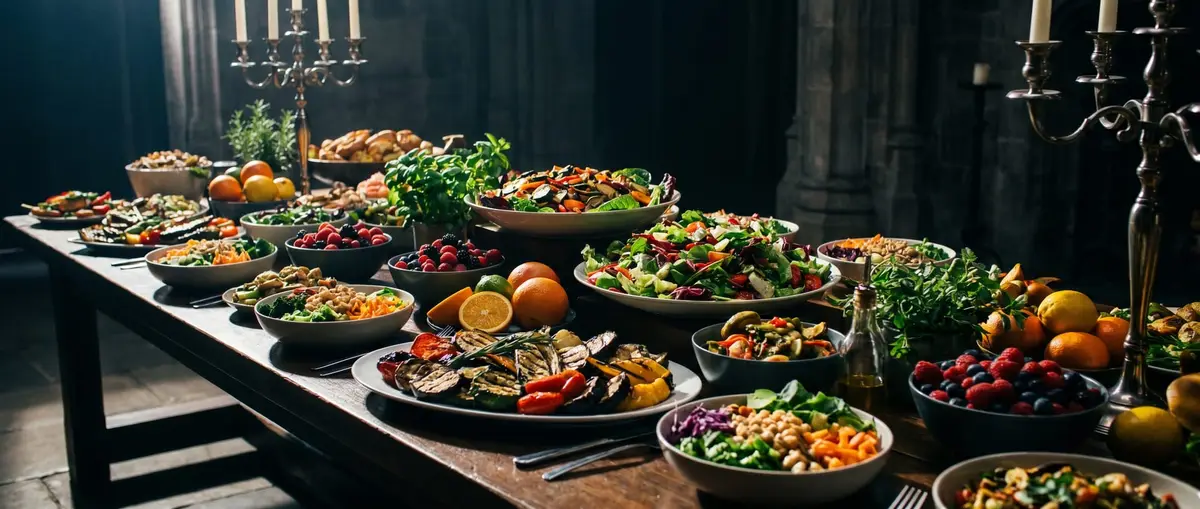
Photograph one meal at a time. A table full of shared dishes makes it guess which portion is yours.
Shoot from above, or at a slight angle
Straight down, or about 45 degrees, shows how much food covers the plate. A low side view hides the depth of a bowl and the food behind the front item.
Use good, even light
Daylight from a window works best. Avoid a flash that washes out the food, and dark rooms where everything turns brown.
Keep the whole plate in the frame
Leave a little space around the edge so nothing is cut off. A fork, a spoon or a can next to the plate gives a sense of scale.
Spread out what is piled up
Food under other food cannot be counted. Move the sauce or the toppings aside, or take the photo before mixing.
Say what the photo cannot show
Oil, butter and sugar are the usual blind spots. Add them in the note: "fried in two spoons of olive oil" or "latte with whole milk and one sugar".
What happens to your photo
Nothing is sent until you tick the box and press the button. Then the resized copy of your photo, and your note if you wrote one, go to Google Gemini to be analyzed. We do not store the photo or the note, and they are not used to build any page on this site.
To stop the free tool being misused, we count runs per network and per day without keeping your address, and Google's reCAPTCHA checks that a person is using the page. See also our privacy policy.
Pair it with a target
A meal's calories mean more next to your daily number. These free calculators give you one.
Frequently asked questions
Is the AI calorie counter free?
Yes. You get a few free photos a day, with no account and no payment. The count resets at midnight. To log every meal, the CalorTracker app does the same from your phone's camera and keeps your diary.
Do you keep my photo?
No. The photo is resized on your device, sent to Google Gemini for the analysis and not stored by us. Its location and camera details are removed before it leaves your device.
Why do some foods say "AI estimate"?
Those foods did not match anything in our USDA food database, or the match did not fit what the AI saw, so the calories and macros are the AI's own estimate. Foods that matched show USDA data and link to the food's page, or to its USDA record until that page is published.
Can it read a nutrition label?
Yes, if the label is in the photo and sharp enough to read. For packaged food, a photo of the label is usually better than a photo of the food.
Does it work for drinks?
It counts drinks it can see, but it cannot see into a cup. Say what is in it in the note: "oat milk latte, 350 ml" gets a far better answer than a photo of a paper cup.
Can I count more than one photo at once?
Not here: this free tool takes one photo per run. In the CalorTracker app, one scan can take several photos, for example a plate and the label of what is on it, and you can correct every item before it is saved.
Is this medical or diet advice?
No. It is an estimate of what is in a photo. If you are managing a health condition, are pregnant or are under 18, talk to a doctor or a registered dietitian about how much to eat.
Log every meal from a photo
The CalorTracker app turns the same photo into a diary entry: check the foods, adjust a portion, and see how the day adds up against your target.
Start free on the web